




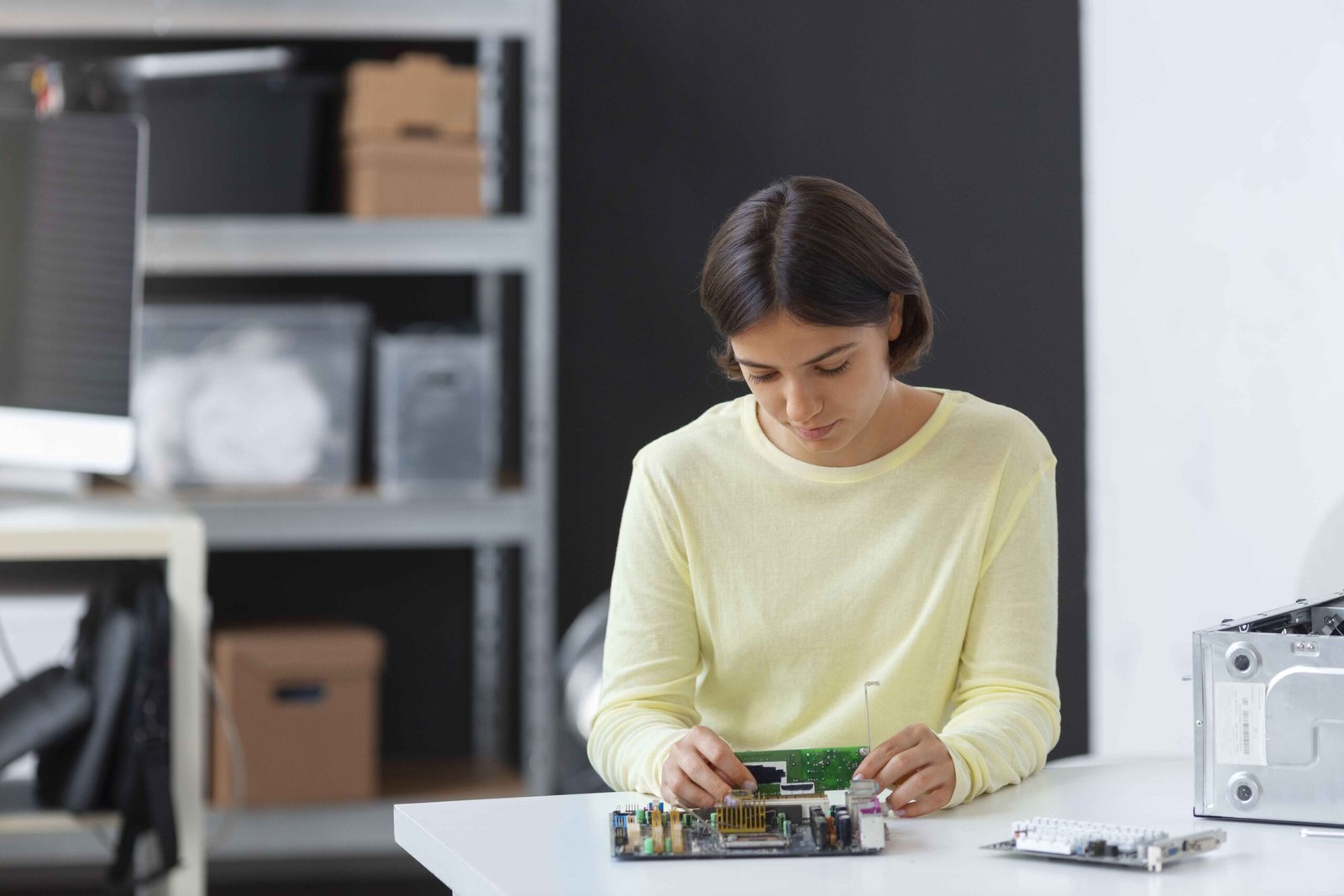
Electronics often need extra care when they are placed in storage. Laptops, televisions, gaming consoles, monitors and other devices contain sensitive components that can be affected by heat, moisture, dust and poor packing.
This is particularly important in Abu Dhabi, where high temperatures can make unsuitable storage conditions a concern. Knowing how to store electronics safely can help protect your devices whether you need space for a few weeks, several months or longer.
From choosing suitable storage conditions to packing cables correctly, a few simple steps can make a big difference.
Why Do Electronics Need Special Care in Storage?
Electronic devices are not designed to sit in uncontrolled conditions for extended periods. Internal components, screens, batteries and connections can be sensitive to their surroundings.
Some of the main risks include:
- High temperatures: Prolonged exposure to excessive heat can affect batteries, screens and internal components.
- Humidity and moisture: Moisture can contribute to corrosion and damage electrical components.
- Dust: Dust can settle inside vents, ports and other openings.
- Physical damage: Screens and delicate components can crack or become damaged if items are poorly packed or stacked.
- Battery problems: Batteries left inside devices for long periods can deteriorate or leak.
For valuable or sensitive devices, choosing short-term climate-controlled storage in Abu Dhabi can provide more stable storage conditions than leaving electronics in a garage, balcony, vehicle or other space exposed to temperature fluctuations.
How to Prepare Electronics for Storage
Proper storage starts before your devices enter the storage unit. Avoid simply unplugging electronics and placing them in a box.
1. Back Up Important Data
Before storing computers, laptops, external drives or other devices containing important files, create a backup.
Consider keeping copies of essential files on another drive or a secure cloud service. A backup will not physically protect your device, but it can protect important data if something happens to the original hardware.
2. Clean Your Devices
Dust and dirt should be removed before packing. Use a soft microfibre cloth to wipe screens, keyboards, cables and external surfaces.
Pay particular attention to vents and ports. Make sure everything is completely dry before packing.
Avoid applying cleaning liquids directly to electronic equipment. Follow the manufacturer’s cleaning instructions where available.
3. Remove Batteries Where Possible
Remove replaceable batteries from devices such as remote controls, keyboards, cameras, toys and accessories before putting them into storage.
Store batteries separately according to the manufacturer’s instructions. This reduces the risk of damage to the device if a battery leaks or deteriorates.
For electronics with built-in rechargeable batteries, check the manufacturer’s recommendations for long-term storage and suitable charge levels.
4. Disconnect Cables and Accessories
Remove cables, chargers and detachable accessories instead of leaving them connected.
Coil cables loosely rather than bending or tying them too tightly. You can label each cable according to the device it belongs to.
For example:
- TV – power cable
- Monitor – HDMI cable
- Laptop – charger
- Gaming console – controller cables
This simple step can save time when you eventually unpack and reconnect everything.
Use the Original Packaging Where Possible
The original box is often one of the best options for storing an electronic device because its inserts are designed specifically for its shape and size.
If you still have the original packaging, use it.
If not, choose a sturdy box that gives the device enough room for protective material without allowing it to move around excessively. Use suitable cushioning around the item, particularly around screens, corners and other vulnerable areas.
Avoid placing electronic devices loosely inside oversized boxes.
How to Pack Different Electronics for Storage
Different devices have slightly different packing requirements.
| Electronic item | Recommended preparation | Packing consideration |
| Television | Disconnect cables and clean the screen | Keep upright and protect the screen |
| Laptop | Back up data and shut down fully | Use a protective sleeve and sturdy box |
| Desktop computer | Disconnect accessories and label cables | Protect the tower from movement and dust |
| Monitor | Remove cables and clean carefully | Keep upright with screen protection |
| Gaming console | Remove discs and disconnect controllers | Pack accessories separately and label them |
| Printer | Remove paper and follow manufacturer guidance | Keep upright during storage |
| Cameras | Remove detachable batteries where appropriate | Use a padded case or protective box |
Always check the manufacturer’s storage instructions for valuable or specialist equipment.
Keep Electronics Off the Storage Unit Floor
Avoid placing boxes containing electronics directly on the floor.
Shelving, pallets or another raised surface can keep your devices organised and provide additional separation from the floor. It also reduces the chance of heavier boxes accidentally being stacked on top of delicate equipment.
Place heavier and more durable boxes at the bottom, with fragile electronics in a secure position where they will not be crushed.
Choose Climate-Controlled Storage for Sensitive Electronics
Storage conditions are one of the most important considerations when deciding how to protect electronics.
Climate-controlled storage helps maintain more stable conditions within the storage space. This can be particularly useful for computers, televisions, audio equipment, cameras and other temperature-sensitive items.
In Abu Dhabi’s climate, don’t leave electronics for extended periods in places that can get extremely hot. A climate-controlled unit can therefore be worth considering for both personal and business electronics.
The right storage option depends on the device, its value, the manufacturer’s recommendations, and how long you intend to store it.
Label Boxes Without Advertising Their Contents
Clear labelling helps you stay organised, but you do not necessarily need to write “laptop”, “camera” or “expensive electronics” on the outside of every box.
Instead, use a simple numbering system such as “E1”, “E2” and “E3”. Keep a separate inventory showing what each number contains.
When choosing secure self-storage in Mussafah, also consider the facility’s access arrangements and security measures, particularly when storing valuable equipment.
Create an Electronics Inventory
If you are storing several devices, create a basic inventory before moving them into the unit.
Record information such as:
| Information | Example |
| Item | Laptop |
| Brand/model | MacBook Pro |
| Box number | E1 |
| Accessories | Charger and mouse |
| Condition | Working |
| Storage date | 14/09/2026 |
You can also photograph each device before packing it. This provides a useful record of its condition and makes it easier to remember what you have stored.
Common Mistakes to Avoid When Storing Electronics
Even careful packing can be undermined by a few common mistakes.
Avoid:
- Leaving electronics in direct heat before moving them into storage
- Packing devices while they are damp or dirty
- Leaving removable batteries inside devices for long periods
- Wrapping electronics without adequate ventilation or suitable protection
- Stacking heavy boxes on televisions, monitors or laptops
- Leaving cables connected during storage
- Forgetting to back up important files
- Storing electronics without checking manufacturer recommendations
- Placing sensitive devices directly on the floor
Taking a little extra time during packing can help prevent avoidable damage later.
How Long Can Electronics Stay in a Storage Unit?
There is no single storage period that applies to every electronic device. The suitable duration depends on the type of equipment, its condition, battery type, packaging and storage environment.
For short-term storage, careful packing and suitable conditions may be enough to keep devices protected until you need them again.
For long-term storage, pay closer attention to climate control, batteries and manufacturer guidance. If possible, periodically check valuable electronics and their packaging for signs of moisture, dust or deterioration.
Final Takeaway
Storing electronics requires more preparation than simply placing them in a box. Clean your devices, back up important data, remove batteries where appropriate, disconnect accessories and use protective packaging.
Just as importantly, consider the conditions in which the electronics will be kept. Abu Dhabi’s climate makes temperature management an important factor, especially for sensitive or valuable devices.
With suitable packing, organised labelling and the right storage environment, you can keep electronics better protected until you are ready to use them again.
FAQs
Can electronics be kept in a storage unit?
Yes. Electronics can be kept in a storage unit when they are properly prepared, packed and stored under suitable conditions. Climate-controlled storage may be preferable for devices that are sensitive to heat and humidity.
What is the best way to store electronics safely?
Clean the device, back up important data, disconnect cables, remove replaceable batteries where appropriate and pack the item securely. Keep electronics off the floor and avoid stacking heavy items on top of them.
Should I remove batteries before storing electronics?
Where batteries are removable, it is generally sensible to remove them before long-term storage and follow the manufacturer’s storage guidance. For built-in rechargeable batteries, check the device manufacturer’s recommendations.
Can I store a TV in a storage unit?
Yes. Keep the television upright rather than laying it flat, protect the screen and avoid placing other boxes or objects against it. The original packaging is useful if you still have it.
Is climate-controlled storage necessary for electronics in Abu Dhabi?
It can be a sensible choice for temperature-sensitive electronics, particularly when they will be stored for an extended period. Abu Dhabi’s high outdoor temperatures mean uncontrolled spaces may not provide suitable conditions for certain devices.
Should electronics be stored in plastic bags?
Avoid sealing electronics in ordinary plastic bags without considering moisture and ventilation. Use suitable protective packaging and follow the manufacturer’s storage recommendations for the specific device.